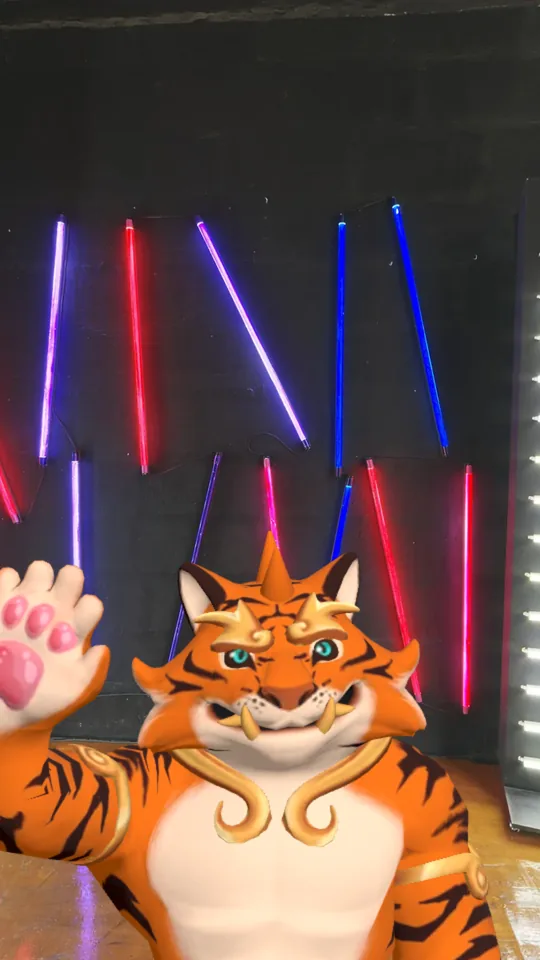
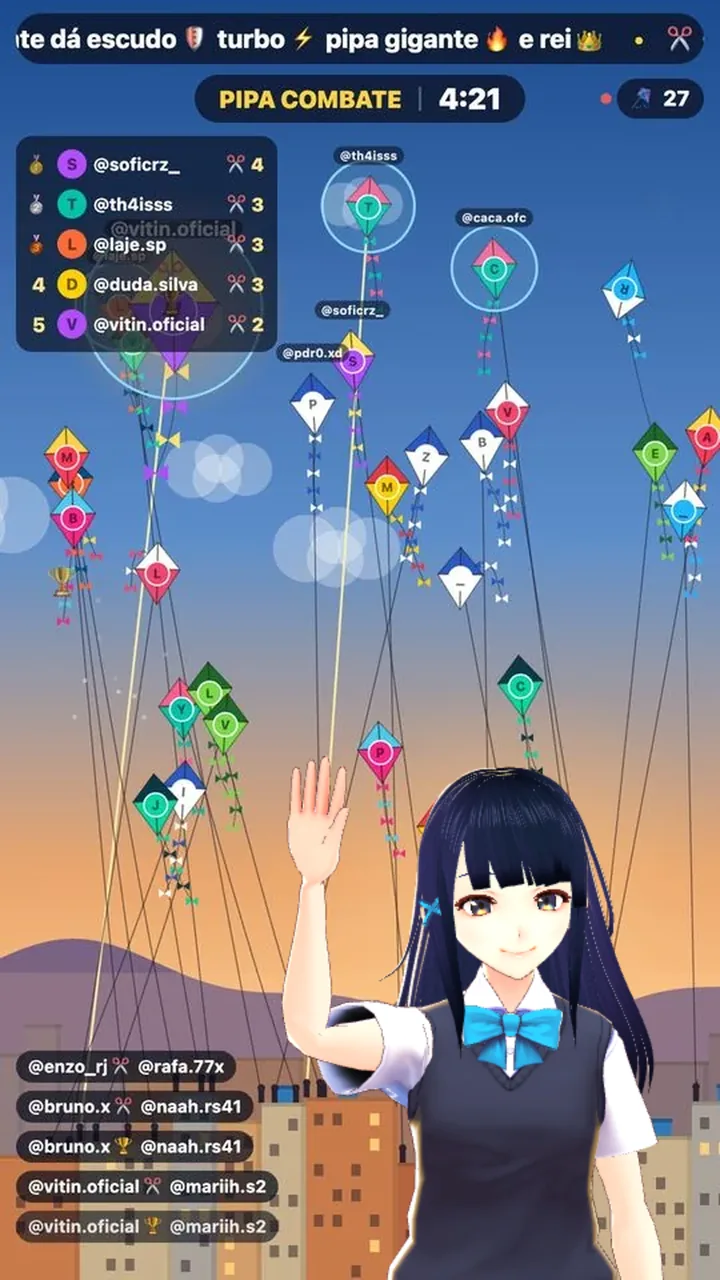
Become a VTuber without software: the character mirrors your head, gaze, blinks, mouth, expressions, arms, hands and fingers, and joins your TikTok LIVE through OBS. Pick one of 71 ready-made avatars or use your own, in any background you want.

What it copies
The webcam reads your movements and the avatar repeats them instantly. Your viewers see a character that looks around, smiles, talks and waves — while you stay behind it.
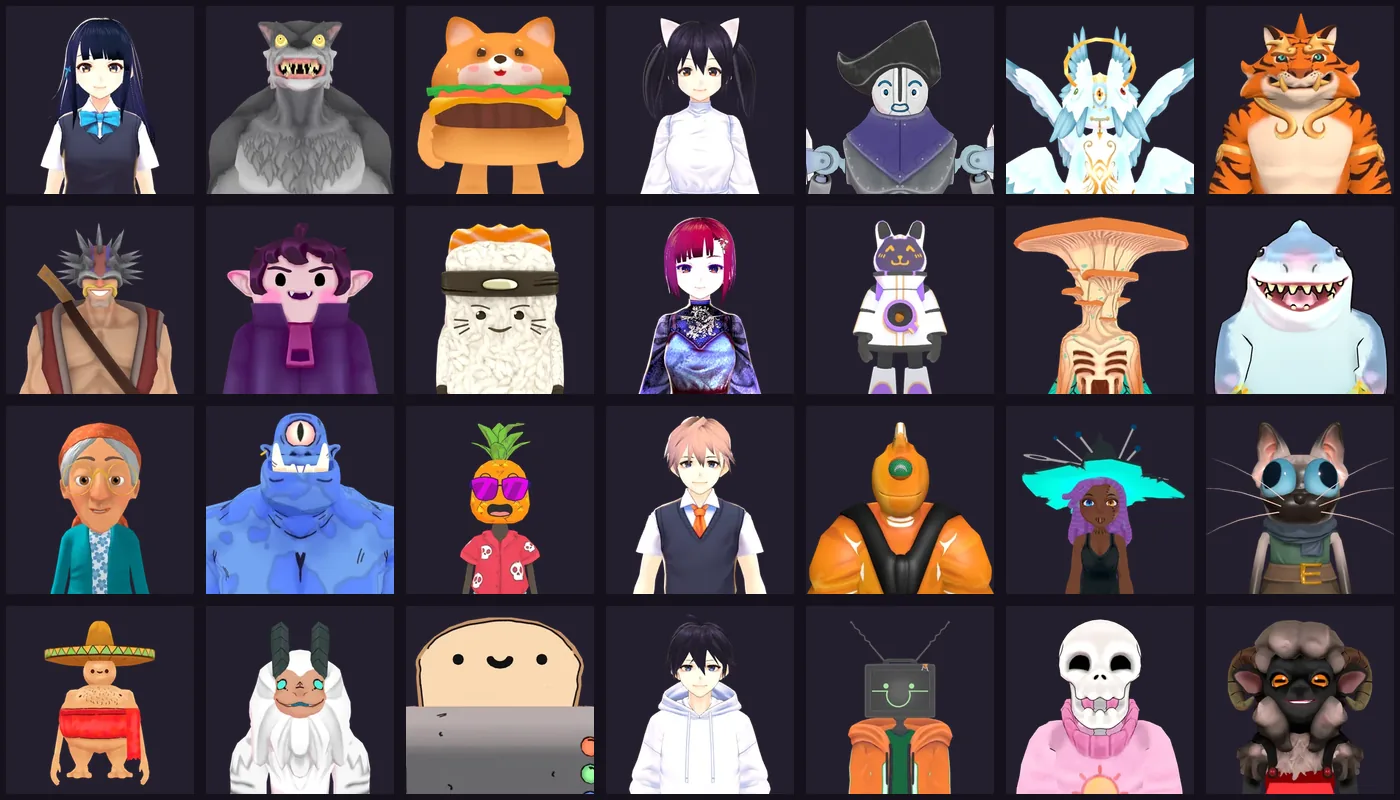
Avatars
Anime, people, animals, fantasy and horror, robots and food: all free and ready to use on stream. Or make your own for free and upload the file.
Vket Avatar Maker (anime) or VIVERSE Avatar Creator (from a selfie), free, then download the .vrm.
The free program most VTubers use, to build every detail yourself.
Meshy's AI (free) turns a character drawing into 3D with a skeleton. The editor turns it into an avatar on its own.
Textures and face shapes are optimized before upload: a 15 to 20 MB avatar usually drops to 2 or 3 MB.
Guide: how to make a free 3D avatar for streaming (in Portuguese), from scratch or with AI.
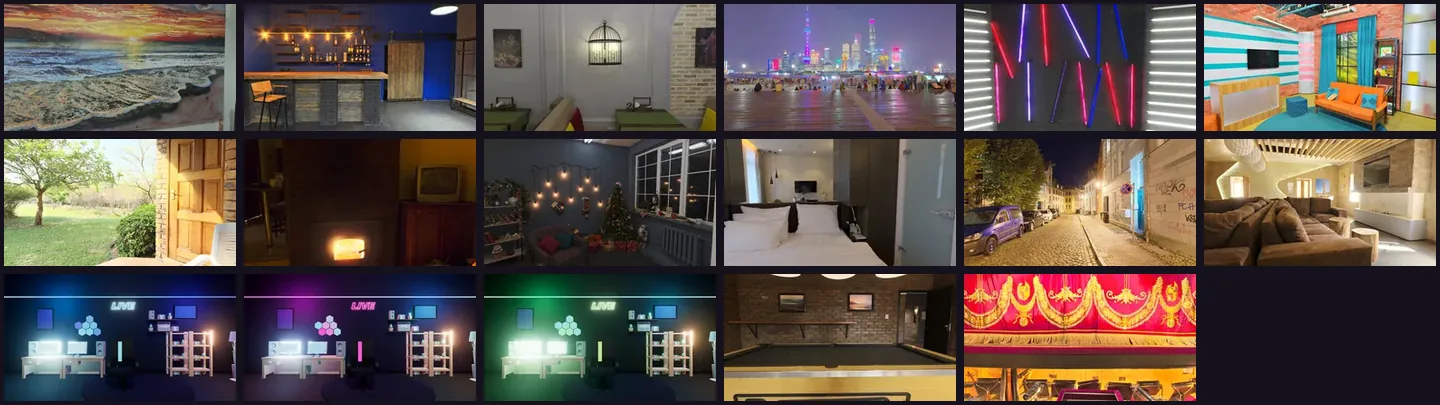
Backgrounds
Build the whole scene in the avatar, or leave the background transparent and place the character over what's already on your stream.
Built for a streamer's PC
This webcam avatar for streaming runs entirely on your computer. Movements go from the avatar page to OBS inside your own PC, never over the internet.
Every pose reaches the avatar in OBS instantly, regardless of your connection.
The camera is read in your browser; video of your face never goes to any server.
For weaker PCs: face and body without the fingers, much lighter to run.
The avatar page keeps reading the camera even when minimized or behind OBS.
How to add it to your stream
The first time takes about 5 minutes. After that, just open the avatar page and OBS.
Go to 3D Avatar, pick the avatar and the background, and click Turn on camera.
Tools → WebSocket Server Settings, check Enable WebSocket server and copy the password.
Paste the port and password on the avatar page and click Connect. You're done when you see Connected to OBS.
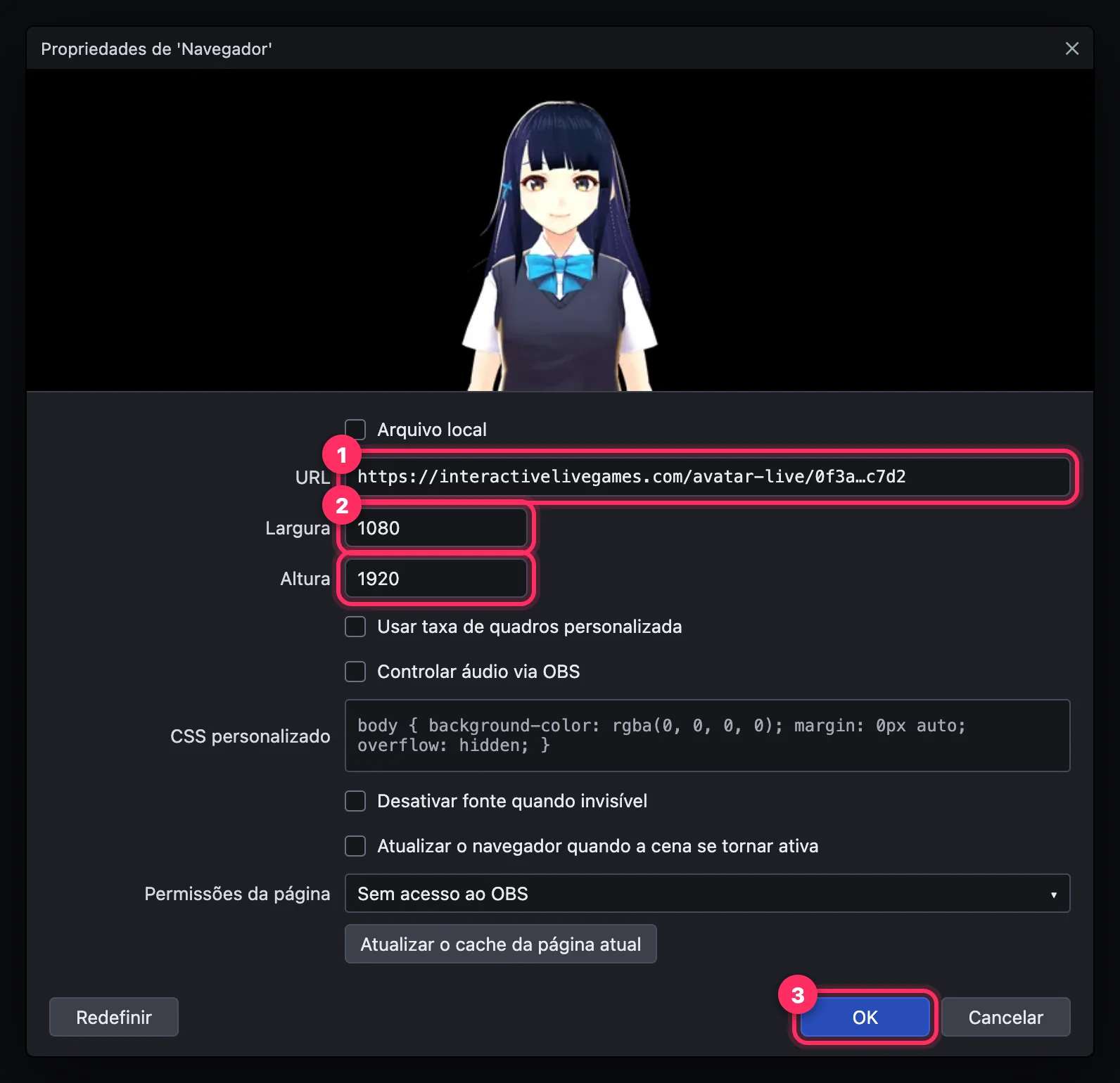
Sources → + → Browser, paste the avatar link, 1080 × 1920. For LIVE Studio, use the OBS virtual camera.
Step by step with screenshots: inside the platform, in the tab How to add it to your stream, and in the guide 3D avatar for TikTok LIVE (in Portuguese).
Plans
The avatar comes with the interactive games, the overlay and the profile with Live Pix, donations and members.
3D avatar + games + essential overlay.
Everything on the platform unlocked.
Frequently asked questions
Yes: the AI avatar. Instead of copying you through the webcam, it reads the comments and answers out loud, in maps like Bikini Bottom, with SpongeBob, and Rick's Garage.
No. Any webcam works, including your laptop's. Tracking runs in your computer's browser and the camera image never leaves your machine.
No. The avatar runs in your browser (Chrome or Edge) and goes on stream through OBS, in a source of type Browser. OBS is the only program you need installed.
Movements arrive through OBS. To stream with LIVE Studio, click Start Virtual Camera in OBS and choose OBS Virtual Camera as the camera in LIVE Studio. If you have a TikTok stream key, you can stream straight from OBS.
Yes: its mouth follows yours through the camera and it blinks when you do. It also copies smiles, surprise, anger and sadness. Avatars generated from an image with AI may come with a static face.
Yes. Upload a .vrm file (from VRoid Studio, Vket Avatar Maker, VIVERSE…) or a .glb/.fbx with a skeleton (like the ones from Meshy and Mixamo): the editor converts it and makes it light before uploading.
It's light: tracking runs in the background and the avatar is drawn at up to 30 frames per second in OBS. On a weaker PC, set the quality to Light, which tracks your face and body without the fingers.
It's included in the PRO ($5.99/month) and MAX ($9.99/month) plans, along with the interactive games and the overlay. The 71 avatars and 17 ready-made backgrounds cost nothing extra.
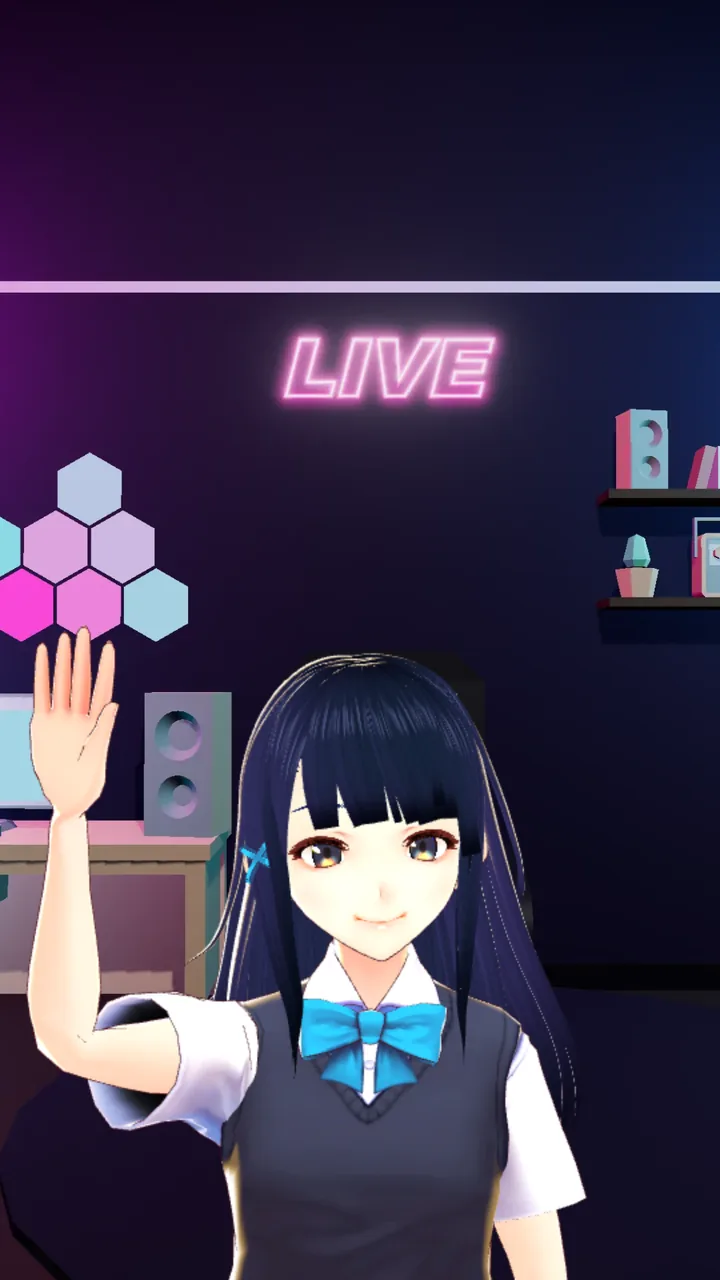
Pick an avatar, turn on your webcam and paste the link into OBS.
Get started